Product Design for Beginners: A Comprehensive Guide
Product design is a fascinating field that requires a combination of creativity, technical skills, and empathy for users. If you're new to product design and want to learn the fundamentals, you're in the right place. In this article, we'll cover the essential concepts, tools, and techniques for product design, providing a solid foundation for beginners.
Understanding Product Design
Product design involves developing creative, marketable solutions to problems users have, always keeping their needs in mind. A product designer's goal is to create products that are intuitive, visually appealing, and meet the user's requirements. To achieve this, product designers work closely with various stakeholders, including UX/UI designers, engineers, and project managers.

The product design process is a structured approach to creating a product. It involves understanding the problem, researching the market, defining the product requirements, creating prototypes, testing and refining the product, and launching it in the market. Here's a 5-step beginner's guide to the product design process:
- Research and Analysis: Understand the problem, gather data, and analyze the market.
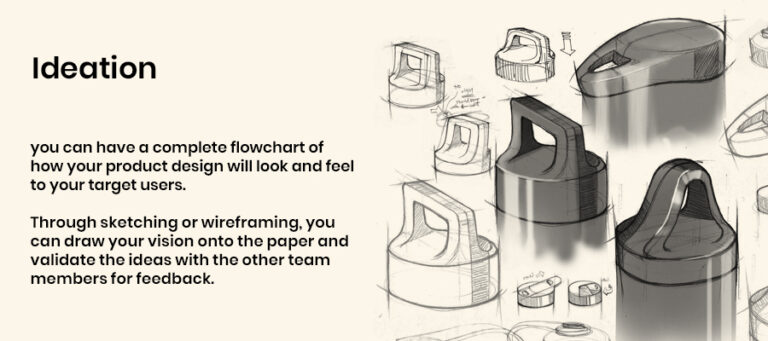
- Concept and Ideation: Generate ideas, develop concepts, and create prototypes.
- Prototyping and Testing: Create prototypes, test and refine the product, and collect feedback.
- Refining and Iteration: Refine the product based on user feedback and iterate until the product meets the user's requirements.
- Launch and Maintenance: Launch the product and maintain it after release.
Essential Tools and Software
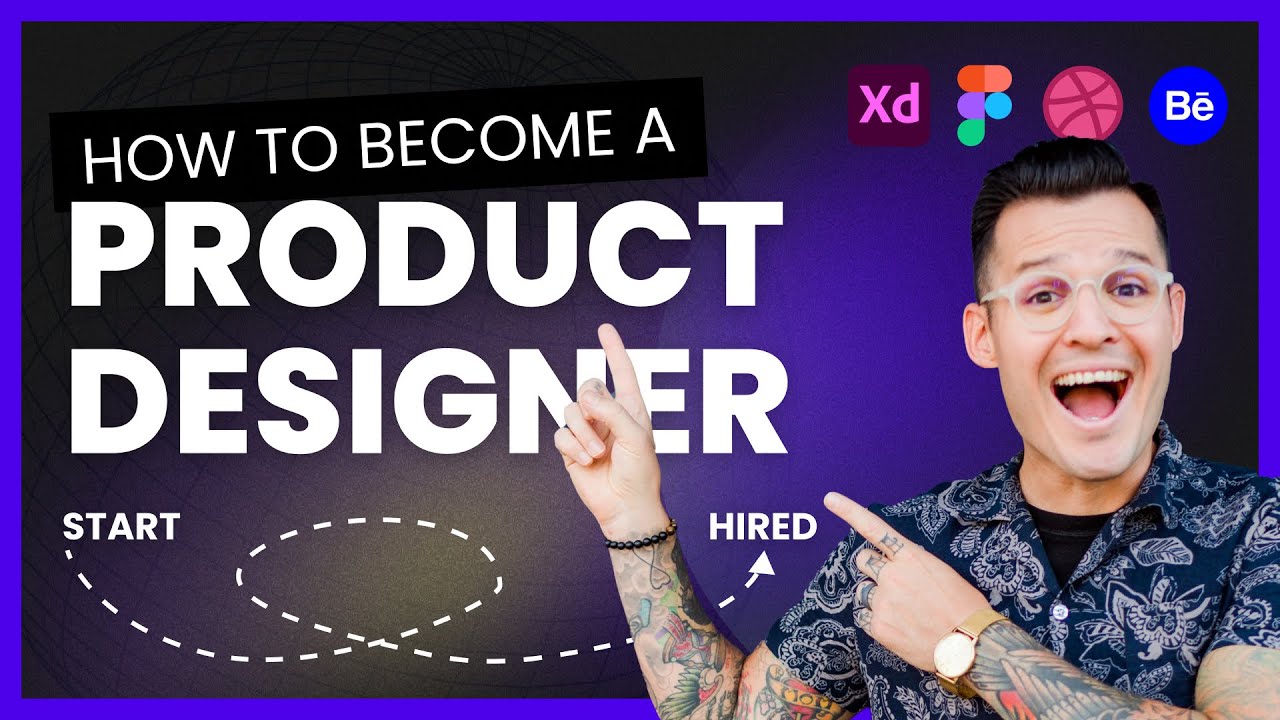
As a product design beginner, you'll need to familiarize yourself with various tools and software. Here are some of the most popular ones:
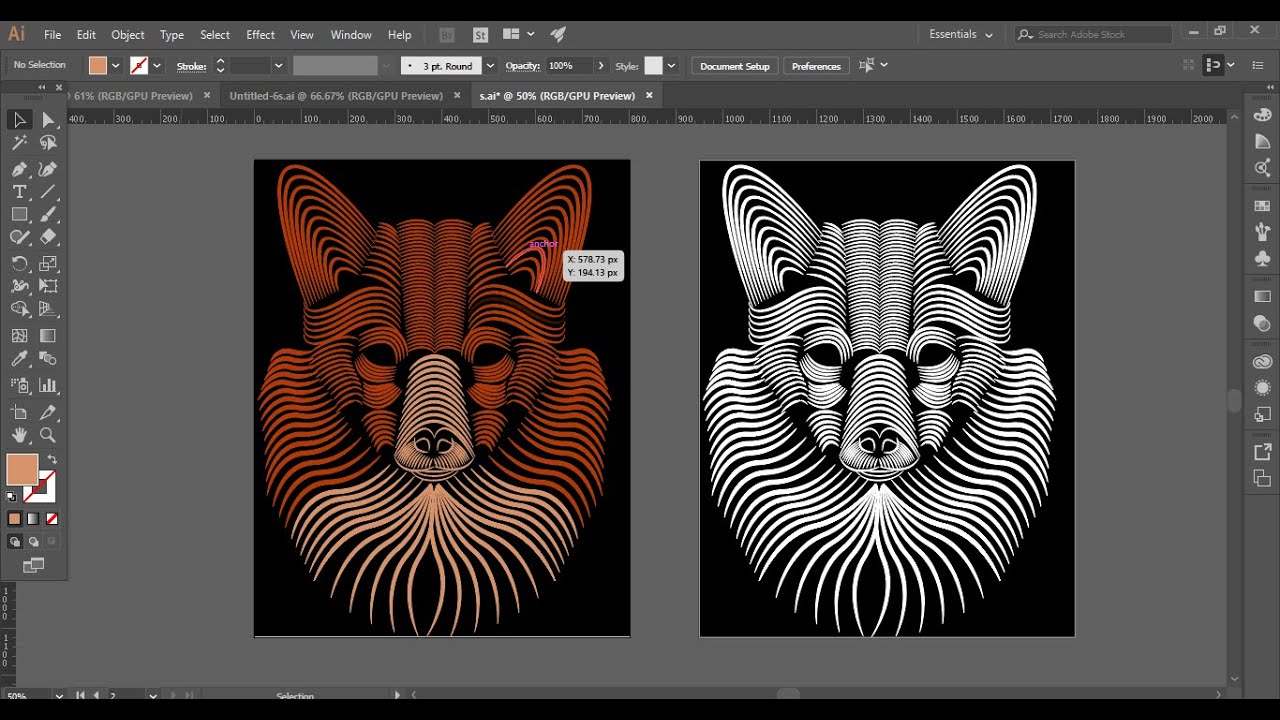
- Sketching and Wireframing: Adobe XD, Figma, and Sketch are popular tools for creating user interfaces and wireframes.
- Prototyping and Interaction Design: InVision, Adobe After Effects, and Principle are great for creating interactive prototypes.
- Design Systems and Style Guides: Material Design, Bootstrap, and Foundation are popular design systems and style guides.
- 3D Modeling and Rendering: Blender, Autodesk Fusion 360, and SketchUp are great for creating 3D models and rendering.
Design Principles and Best Practices
Effective product design requires adhering to certain design principles and best practices. Here are some key ones to keep in mind:
- User-Centered Design: Design products that meet the user's needs and goals.
- Intuitive Navigation and Feedback: Create intuitive navigation and provide clear and timely feedback.
- Consistency and Cohesion: Ensure consistency and cohesion throughout the product's UI and UX.
- Scalability and Adaptability: Design products that can scale and adapt to different contexts and devices.
Conclusion
Product design is a fascinating field that requires creative, technical, and analytical skills. As a beginner, it's essential to understand the product design process, familiarize yourself with various tools and software, and adhere to design principles and best practices. With dedication and practice, you can develop the skills and expertise necessary to succeed in product design.